
Configure AnchorForge with Confidence
Step-by-step installation guides, JSON schema specifications, and PowerShell integration patterns designed to help system administrators automate Active Directory lifecycle management.
Human-Readable JSON Templates
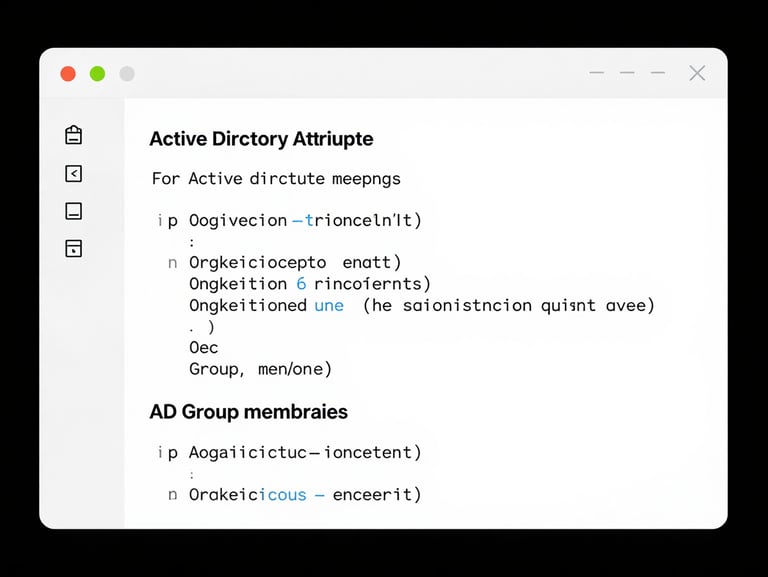
AnchorForge stores all role definitions in transparent, version-controlled JSON files. This eliminates proprietary databases and prevents configuration drift across your domain.
Deterministic Attribute Mapping
Map employee HR data directly to Active Directory attributes. Define standard patterns for userPrincipalName, sAMAccountName, and mail generation automatically.
Zero-Agent Architecture
AnchorForge executes standard, auditable LDAP queries directly from your admin workstation. No background services run on your domain controllers.
The Provisioning Workflow
Read Source Data
Apply Role Template
Dry-Run Preview
Commit & Log
Import employee records from CSV files, HR database exports, or secure manual entry forms.
Evaluate the matching JSON template to determine target organizational units and group memberships.
Review the exact LDAP and PowerShell actions in a safe preview log before committing changes.
Apply changes directly to Active Directory and write a secure, auditable JSON transaction log.
Ready to automate your AD checklists?
Download the free Community Edition and deploy in under ten minutes.